
iOS 27 Public Beta: A Step-by-Step Guide to Installing It Safely
Geeky Gadgets · View original source
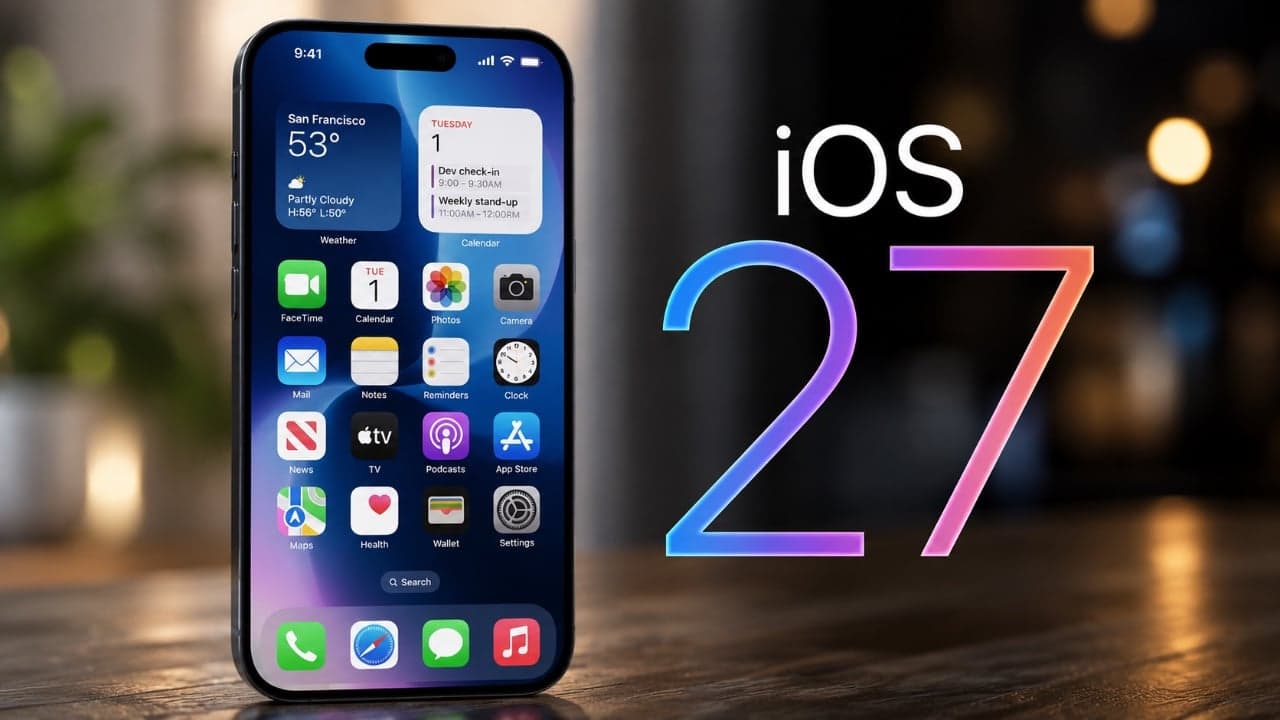
The recent launch of the iOS 27 public beta signifies a notable advancement in the iPhone user experience, introducing a range of updates that emphasize usability, personalization, and accessibility. This new version is equipped with innovative features, including AI-powered tools and refined design elements, providing users with an early look at the future of mobile technology. For those interested in exploring these features or contemplating the installation of the beta version, this guide outlines the necessary steps and considerations.
Compatibility and Installation Steps
iOS 27 is compatible with iPhone 11 and newer models, ensuring that a broad spectrum of users can access its new features. To install the public beta, users should follow a series of steps that begin with a crucial precaution: backing up the device. Beta software can occasionally exhibit instability, and having a backup is essential for safeguarding data in the event of any unforeseen issues during the installation process.
Once the backup is complete, users can proceed with the installation of the iOS 27 public beta. This process typically involves enrolling in Apple’s Beta Software Program, downloading the beta profile, and then installing the update through the device's settings. Following these steps will allow users to experience the latest enhancements and features that iOS 27 has to offer.
New Features and Improvements
The iOS 27 public beta introduces a plethora of new features and improvements aimed at enriching the overall user experience. These updates cover various aspects of the iPhone, including the home screen, AI tools, accessibility options, and app functionality.
One of the key areas of focus in iOS 27 is the home screen and lock screen, which have undergone several updates designed to enhance both aesthetics and functionality. Users can expect a more visually appealing interface that also offers improved usability, making it easier to navigate and interact with their devices.
Artificial intelligence is a central theme in iOS 27, with enhancements that deliver smarter and more intuitive features. This includes improvements in app suggestions, predictive text, and various other functionalities that leverage AI to create a more seamless user experience.
Accessibility is another priority in this update, with new features aimed at making the iPhone more inclusive and user-friendly for individuals with varying needs. These updates ensure that all users can take full advantage of the device's capabilities, reinforcing Apple's commitment to accessibility in technology.
Siri, Apple's voice assistant, has also received significant upgrades in iOS 27, enhancing its versatility and responsiveness. Users can expect a more capable assistant that can handle a wider range of commands and inquiries, making it an even more integral part of the iPhone experience.
Additionally, the public beta introduces improvements to notifications and various quality-of-life enhancements that streamline user interactions with their devices. These updates collectively aim to create a more intuitive and efficient iPhone experience for users.
Why it matters
The iOS 27 public beta represents a significant step forward in mobile technology, particularly for creators and technologists. The emphasis on AI-driven functionality not only enhances user experience but also opens up new possibilities for app development and innovation. As developers explore the capabilities of this new operating system, they can create applications that leverage the improved AI tools, accessibility features, and personalized user interfaces.
For creators, the enhanced accessibility options mean that more individuals can engage with their content, broadening the audience reach and ensuring that diverse user needs are met. This is particularly important in a landscape where inclusivity is increasingly prioritized.
As users begin to adopt the iOS 27 public beta, the feedback generated will be invaluable for Apple and developers alike. Understanding how users interact with these new features will guide future updates and improvements, ultimately shaping the next generation of mobile technology. Those interested in staying ahead of the curve should consider enrolling in the Beta Software Program to gain firsthand experience of these advancements.
In conclusion, the iOS 27 public beta not only enhances the iPhone experience with its array of new features but also sets the stage for future innovations in mobile technology. With a focus on usability, personalization, and accessibility, this update is designed to make the iPhone more intuitive and efficient, paving the way for a new era of mobile interaction.
Frequently asked questions
- What is the iOS 27 public beta?
- The iOS 27 public beta is a pre-release version of Apple's mobile operating system that allows users to test new features and updates before the official release.
- How do I install the iOS 27 public beta?
- To install the iOS 27 public beta, you must back up your device, enroll in Apple's Beta Software Program, download the beta profile, and install the update through your device's settings.
- What new features does iOS 27 offer?
- iOS 27 offers a variety of new features including improved AI tools, enhanced accessibility options, a redesigned home and lock screen, and significant upgrades to Siri.
Related stories
AI & art news in your inbox, daily
The day's top stories, summarized. Free, no spam, unsubscribe anytime.